
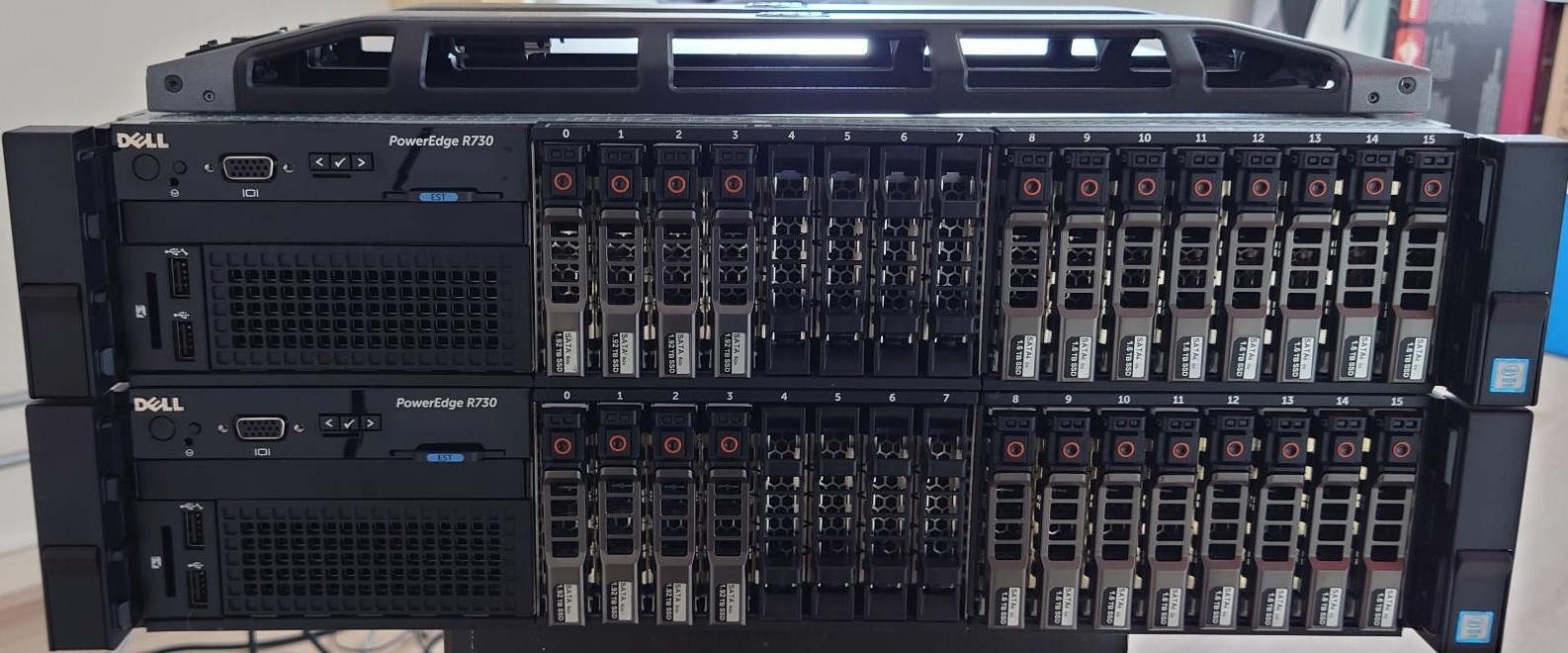
Well the new hardware had been placed and migrations have been finished, but how did I deploy the VMware environment? Read on, and you’ll know!
Quick recap
For the ones not following the threat (can’t blame yeah) small recap. New (not-so-home) home-lab. Running in a DC in Amsterdam with now two new hosts with a lot of resources. How many resources you ask? Check the last blog about this: Home Lab Version three
VMware by Broadcom
Let’s start off with the VMware products that I’ll be using for the server
- VMware vSphere
- VMware vCenter
- VMware vSAN
VMware vSphere
Since these Dell PowerEdge R730’s are still supported by VMware and Dell they can run the latest versions of VMware ESXi. So I’ve installed VMware ESXi, 8.0.2 (build 22380479) on both hosts. Now the ESXi setup is not that complicated. Only I’ve chosen no install it on the SD-cards since they keep breaking but on an Intel DC SDD which has plenty endurance for ESXi.
VMware vCenter
Since I have access to VMware vExpert licences I can use all that is good of VMware vCenter. The, for me most important, configuration is that of the VDS, and I’ll include a part of VyOS as well since that part of the configuration is now essential for access.
Virtual Distributed Switch
The VDS helps virtualization teams to keep port groups equal over multiple hosts and this is no different for me. I’ve just got two hosts but still I don’t want to create the same port group twice and find that I’ve made a typo. So yes VDS. In my setup I’ve chosen to have two VDS’ses, one for WAN and the other for LAN, and I’ve divided the physical uplink accordingly.